 MicroURL
Bulk import from CSV
Add up to 100 links at once from a CSV file instead of creating them one at a time.
Go to Links → Import CSV
From your Links list, click Import CSV.
Prepare your CSV file
Your file needs a url column, and optional slug and title columns. Click Download CSV template if you want a starting point.
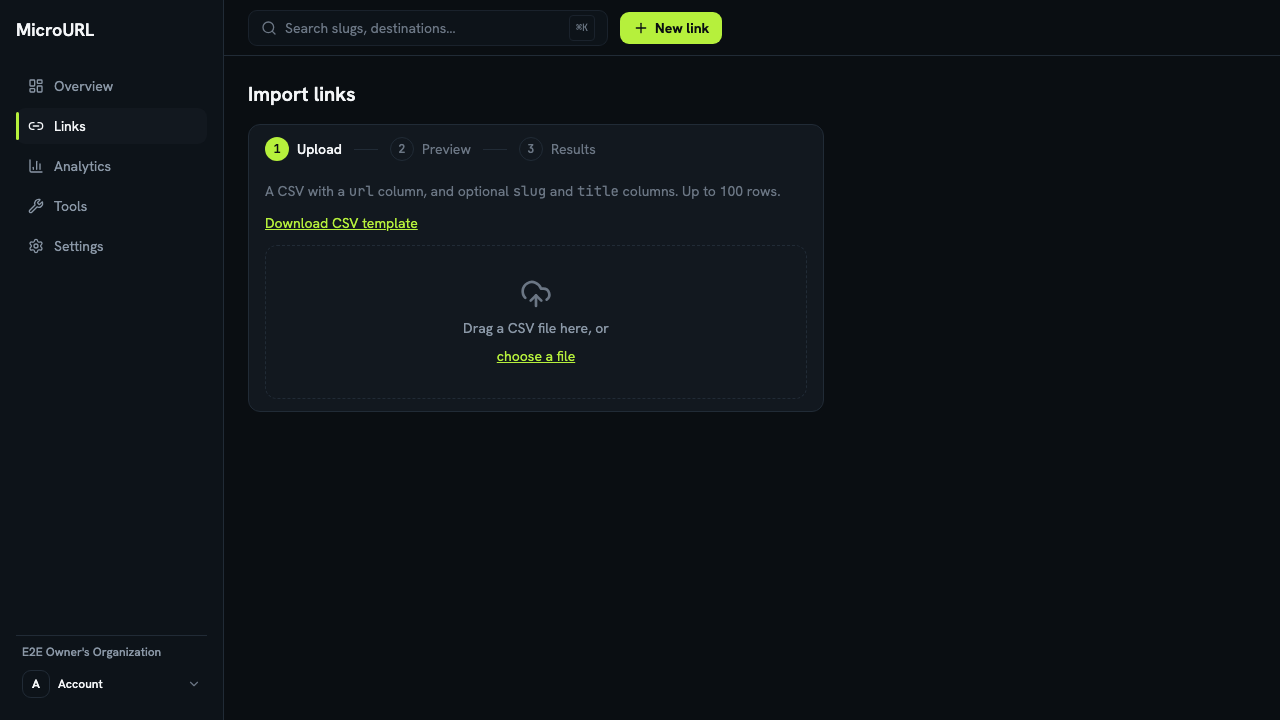
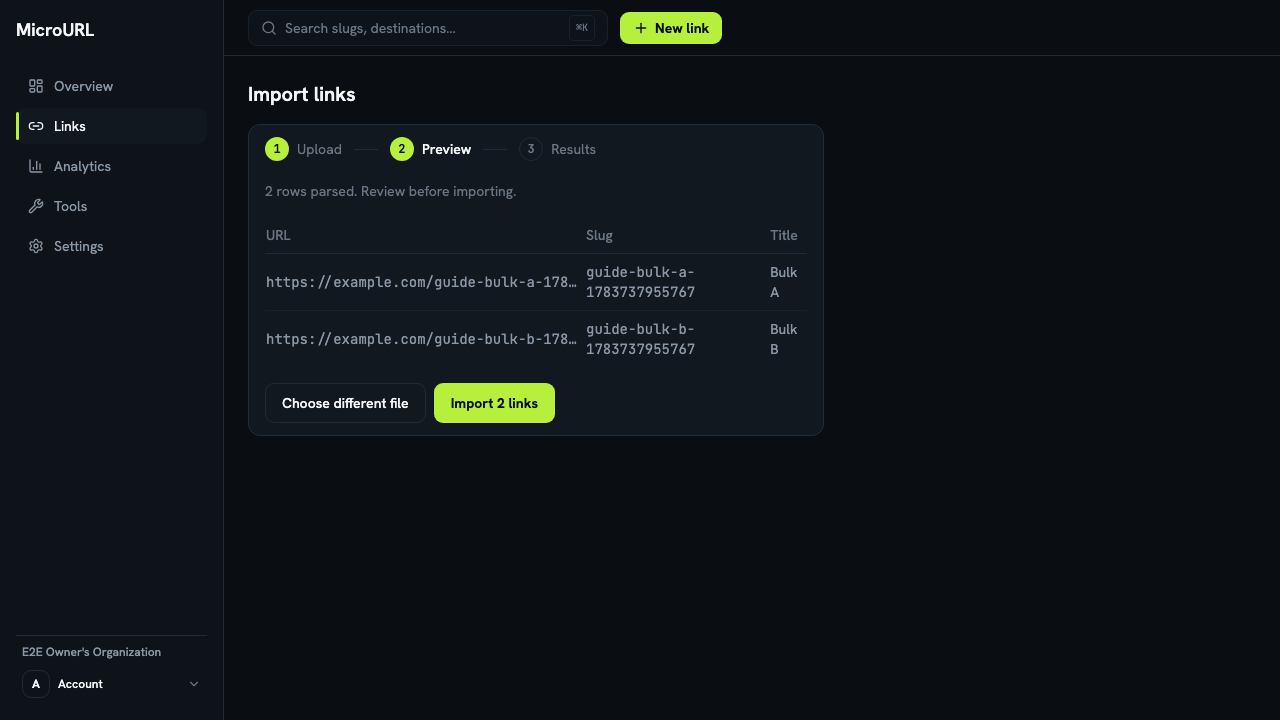
Upload and review
Drag your file onto the upload area, or click choose a file. Every row is parsed and shown to you before anything is created, so you can check that the URLs, slugs, and titles look right.
If you have a custom domain, choose it under Domain for these links to put every link on it. Moving from a QR service that closed? Use the domain your old codes were on, with each code’s old ending in the slug column, and the printed codes work again (how).
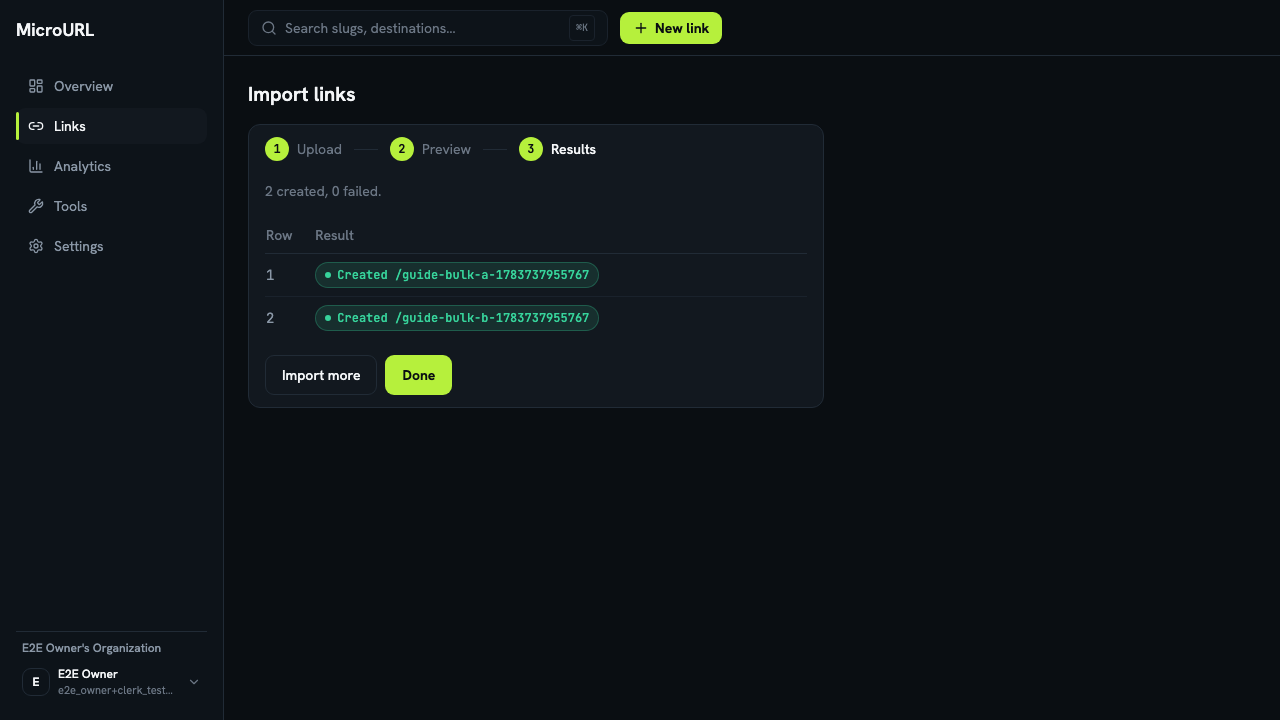
Import and check results
Click Import N links. Each row’s result is shown individually. If any rows fail (e.g. a duplicate slug), you can Download failed rows as CSV, fix them, and re-import just those.