 MicroURL
All guides
Bring your own domain
Point a subdomain you own at MicroURL so your short links carry your own brand instead of the default domain.
1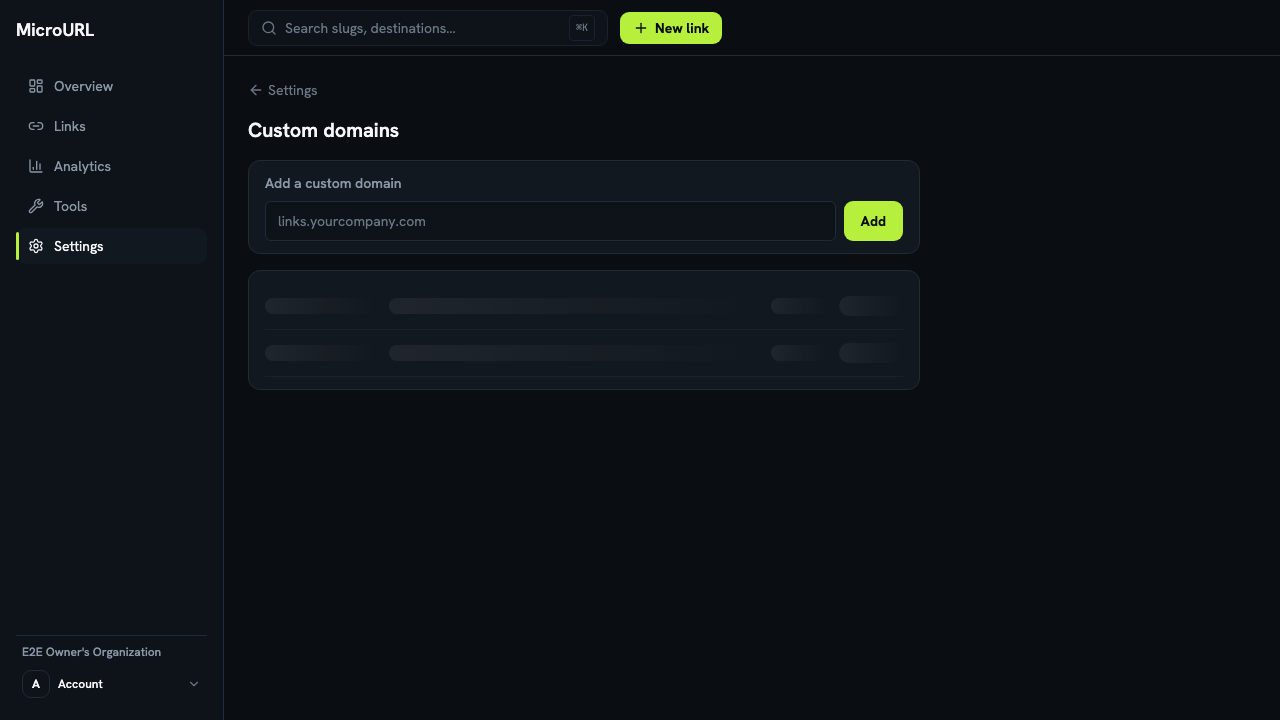
Go to Settings → Domains
Enter a subdomain you control, for example links.yourcompany.com, and click Add. How many domains you can add depends on your plan.
2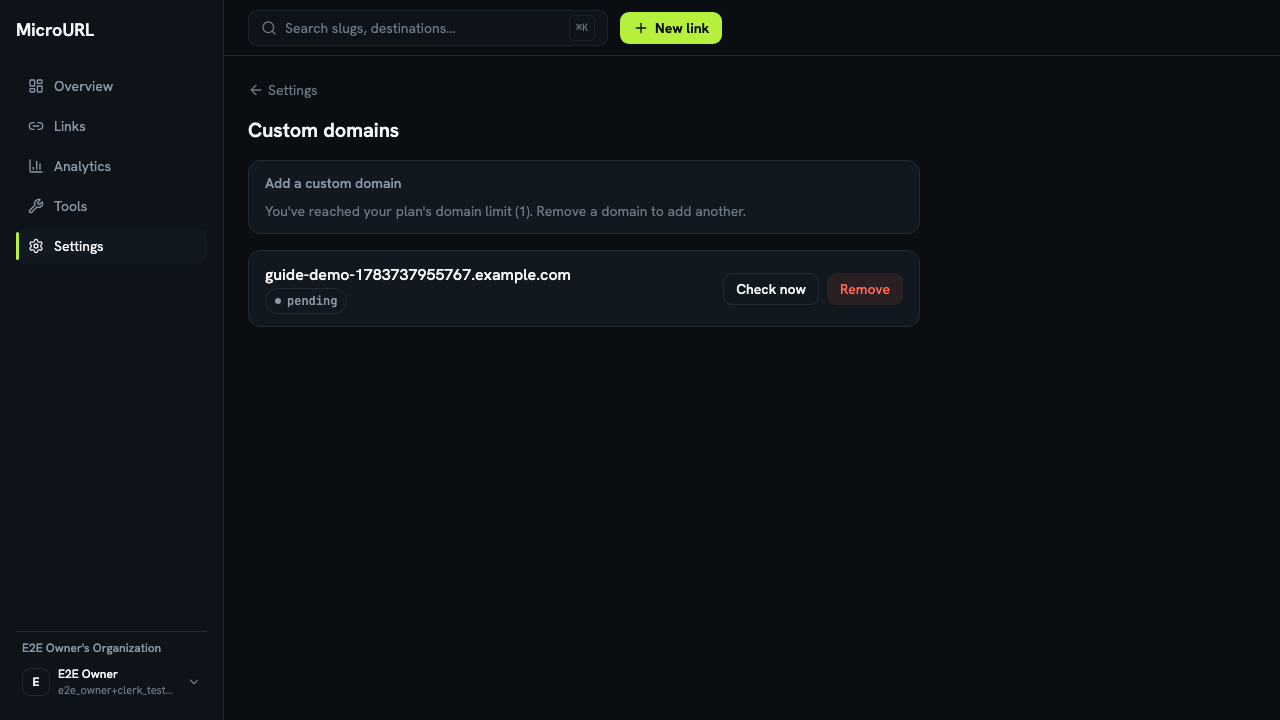
Add the CNAME record
MicroURL shows you the exact CNAME record to add at your DNS provider. Add it there. This step happens outside MicroURL, in whatever DNS panel you use for that domain.
3
Click “Check now”
Once the CNAME is live, click Check now to verify it immediately instead of waiting for the automatic hourly check. There’s a short cooldown between manual checks.
4
Use it when creating a link
Once a domain shows active, it appears as a Domain choice on the New link form. Select it instead of the default.