 MicroURL
All guides
Getting started
Create your first short link in under a minute. No credit card required.
1
Create a free account
Sign up at getmicrourl.com/sign-up. The free plan includes 50 links/month and 1,000 tracked clicks/month.
2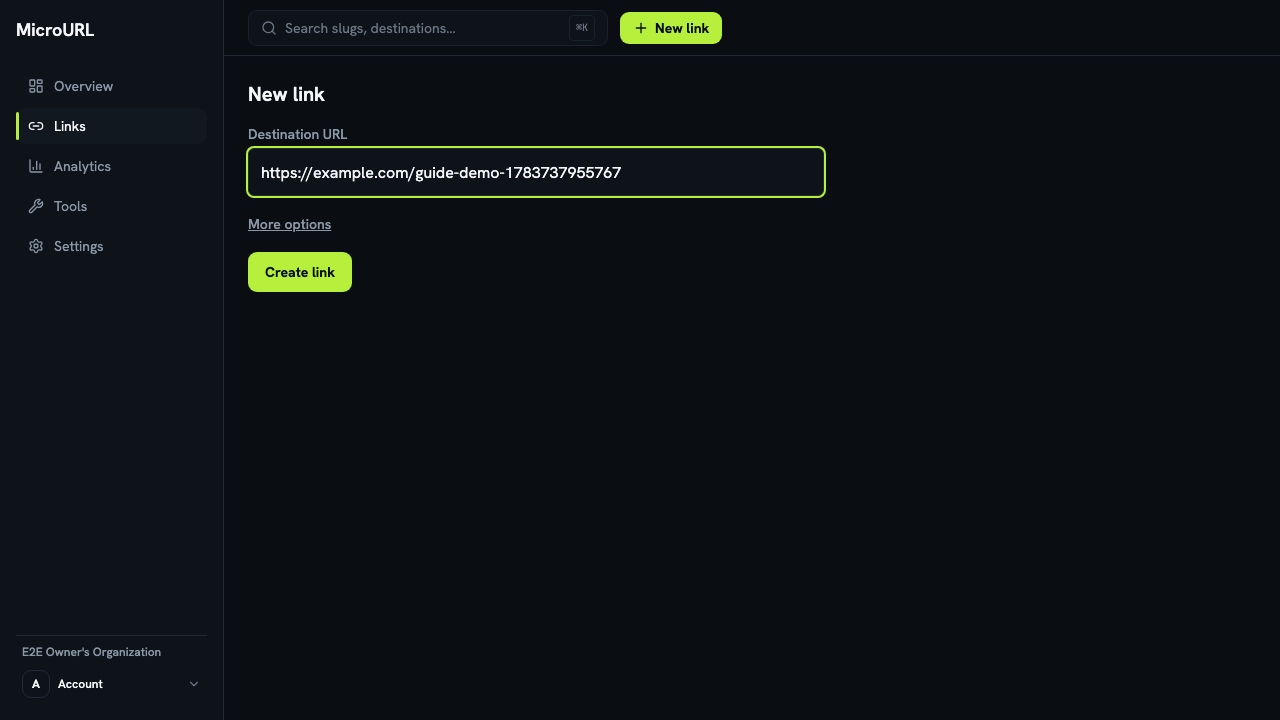
Click “New link” and paste your destination
Your first time in, paste the URL into Make your first link and QR code on the welcome screen. After that, click New link anywhere and paste it into Destination URL.
3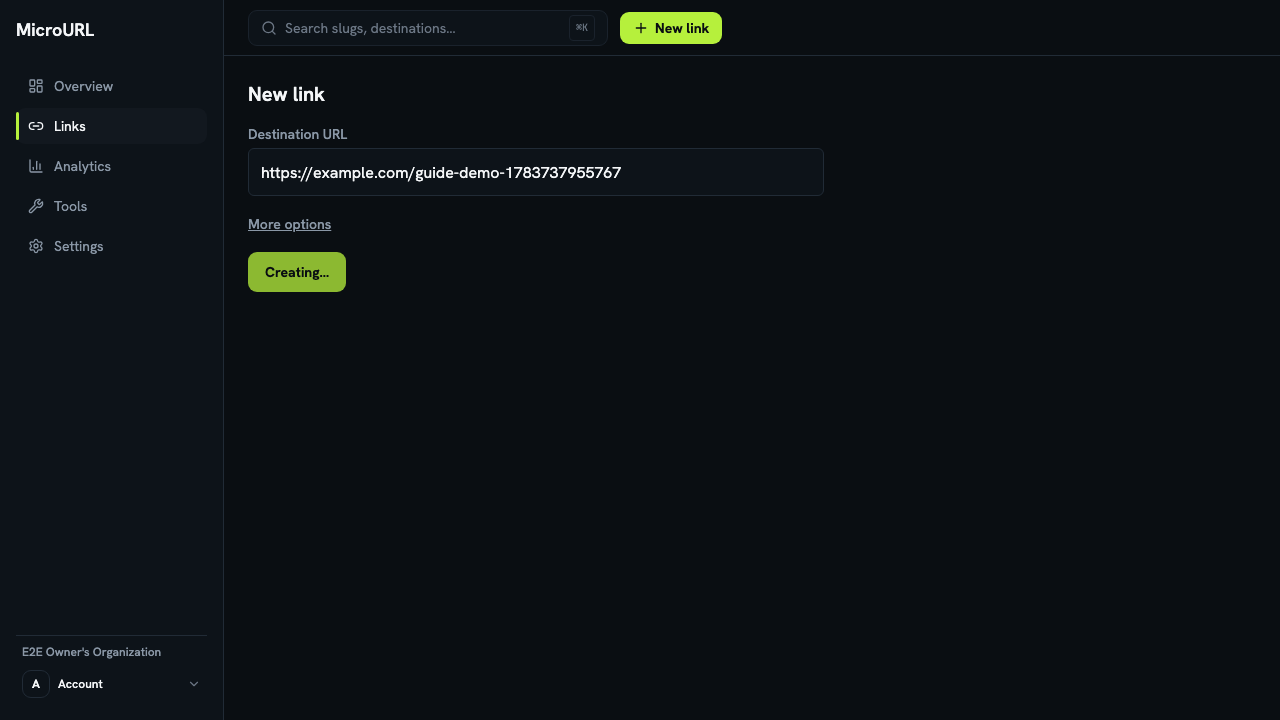
Click “Create link”
Your short link is created immediately and copied to your clipboard automatically. Paste it anywhere.
4
Share it, then check your analytics
Every click is tracked in real time. See Understanding your analytics for what each chart means.